Organization Billing
What is Organization Billing?
Organization Billing allows you to centrally manage billing for your entire organization, create multiple workspaces and have a single billing account for all enrolled users.
It is also the most cost-effective way to use Devplan with access to the full suite of features.
How to Migrate to Organization Billing?
Create and enroll an organization
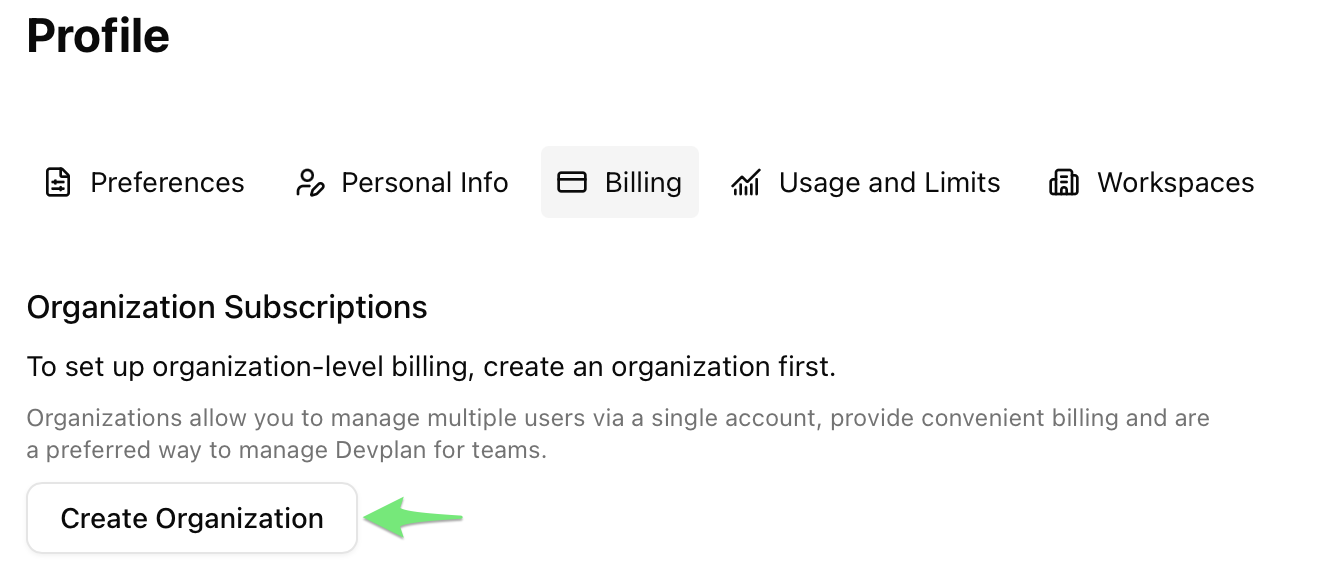
- Open your Profile Billing Page.
- Click on Create Organization.
- Enter the organization name and optionally select an icon, then click Create. You can change name and icon later if you'd like.
- The go to the Billing tab of the organization you just created.
- Enroll into the preferred plan.
- Once you are enrolled, you can add existing workspaces into your organization or create new ones from the Settings tab of the organization. Organization settings will be available when you click on your user icon in the bottom left corner.
If you already have a personal subscription
If you enrolled into organization billing while you still have a personal subscription, you can cancel your personal one on your Profile Billing Page. Click Manage Personal Subscription, which will navigate you to the Stripe customer portal where you can cancel your subscription.
If you have any questions or issues, please reach out to us at info@devplan.com.